

Remove a Green Filter from a Photo
Reduce a strong green filter or color cast from a photo in your browser. Compare the result and download a more natural-looking image.
Quick answer
If a photo has a strong green filter, Unfilter can reduce the visible green cast directly in your browser. Upload the image, adjust Strength and Warmth, compare the result, and download it when the colors look more natural.
Green filter, green tint, and green color cast
A green filter is usually a deliberate editing style applied through an app or preset. It shifts the overall color of a photo toward green, often giving it a matcha-like or moody aesthetic.
A green tint or green color cast can also appear unintentionally from fluorescent or LED lighting, incorrect white balance, or reflections from green surfaces.
Unfilter works on both types. The tool analyzes green dominance in each pixel and reduces it while trying to preserve the rest of the color information.
GREEN FILTER REMOVER
Upload your green-filtered photo
Remove the green filter, adjust the strength, and download a more natural-looking version.
See how green filter removal changes a photo
Drag the slider to compare the green-tinted original with the color-corrected result.
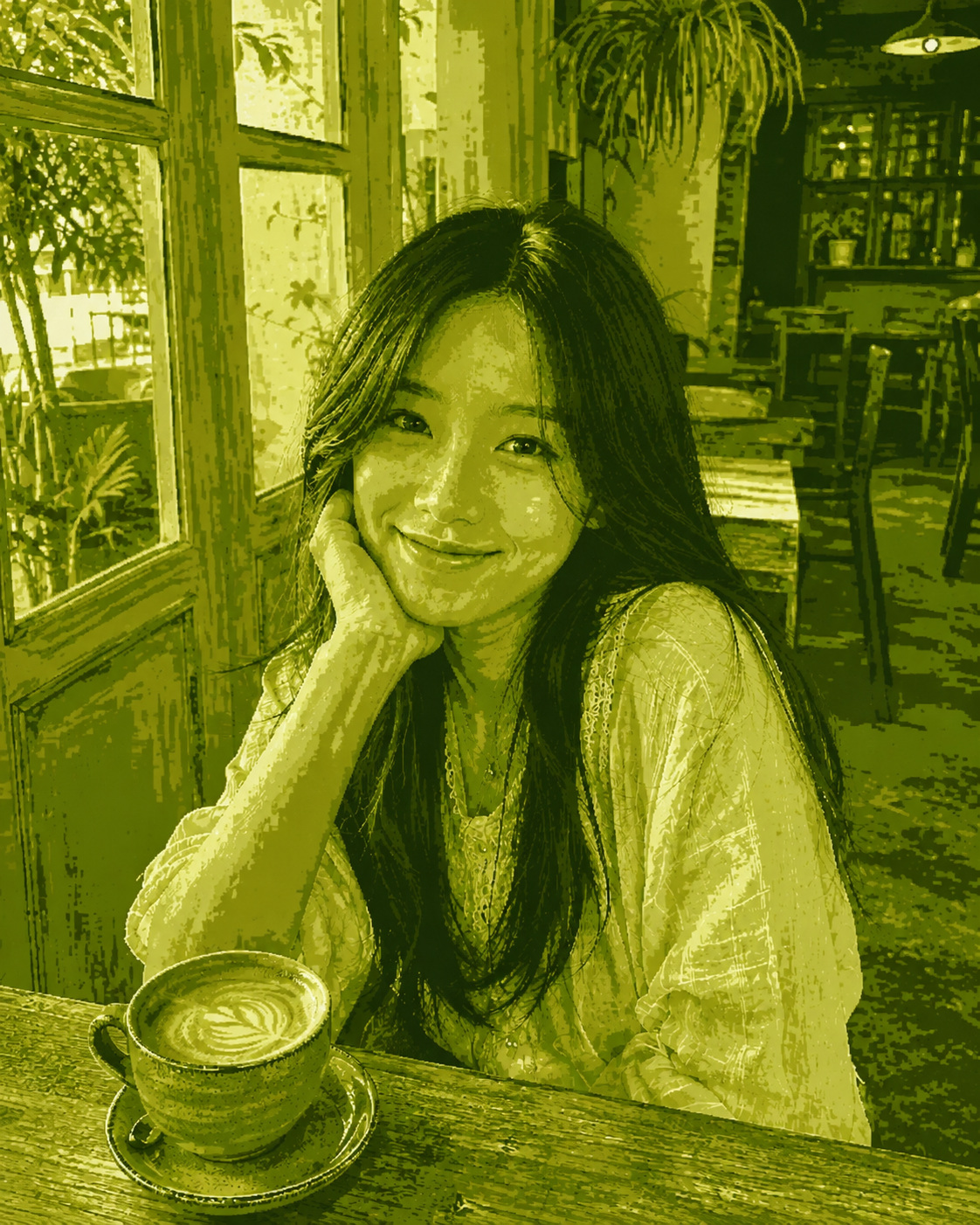

When this tool works best
Unfilter works best when the main problem in your photo is a green or matcha color cast. Photos where the green shift is uniform across the image respond well to the tool.
It is less effective when the green cast is just one of many color issues, or when the photo has been heavily processed with multiple effects.
Different photos produce different results. Selfies, food photos, and travel images each have unique color profiles that affect how the correction is applied.
What Unfilter Can and Cannot Fix
What it can reduce
- Green and matcha color casts
- Yellow-green tint
- Mild color imbalance
- Some haze caused by a strong color cast
What it cannot restore
- Hidden details
- Painted-over or censored areas
- Original pixels that no longer exist
- Exact original colors in every photo
- Details removed before the image reached Unfilter

Your Photo Stays in Your Browser
Unfilter processes your image locally in your browser. Your photo is not uploaded to our servers, stored in an account, or used to train a model.
 No uploadNo sign-up
 No image storage
FAQ
Frequently asked questions
Learn more about fixing green photos
What Is a Matcha Filter? Green Photo Trend Explained
A matcha filter adds a green or yellowish-green color cast to photos. Learn how it works and why removing it does not restore the original pixels.
How to Remove a Matcha Filter from a Photo
Upload your photo, adjust Strength and Warmth, compare the result, and download a more natural-looking version.
How to Remove Green Tint from a Selfie
Green filters can make skin look unnatural in selfies. Learn how to adjust Strength and Warmth for natural-looking results.