

Remove a Green Filter from a Food Photo
Last updated: August 2026 · 4 min read
Green filters can make food look unappetizing. Meats turn greenish, bread looks sickly, and the overall photo loses the warm, inviting tones that make food photography appealing. This guide shows how to fix green-tinted food photos while preserving the natural green of herbs and vegetables.
The challenge with food photos
Food photos present a unique challenge for green filter removal because they often contain both:
- Unwanted green cast: The filter applied to the entire image, making all food look greenish.
- Natural green elements: Herbs, lettuce, broccoli, matcha desserts, and other foods that are naturally green.
The goal is to remove the unwanted green cast from the non-green food elements while keeping the natural green elements looking realistic.
Recommended approach for food photos
Food photos usually need a more conservative approach than other types of photos:
- Start with Strength at 30–40%. This applies a gentle correction that reduces the overall green cast without heavily affecting natural greens.
- Check the non-green food first. Look at meat, bread, rice, or pasta in the Before/After comparison. These should look more natural, not gray or overcorrected.
- Then check the green elements. Herbs and vegetables should still look green, not yellowish or washed out.
- Increase Strength only if needed. If the non-green food still looks too green, increase by 5–10% at a time.
- Add slight warmth if the image looks cold. A Warmth value of +3 to +8 can help food look more appetizing.
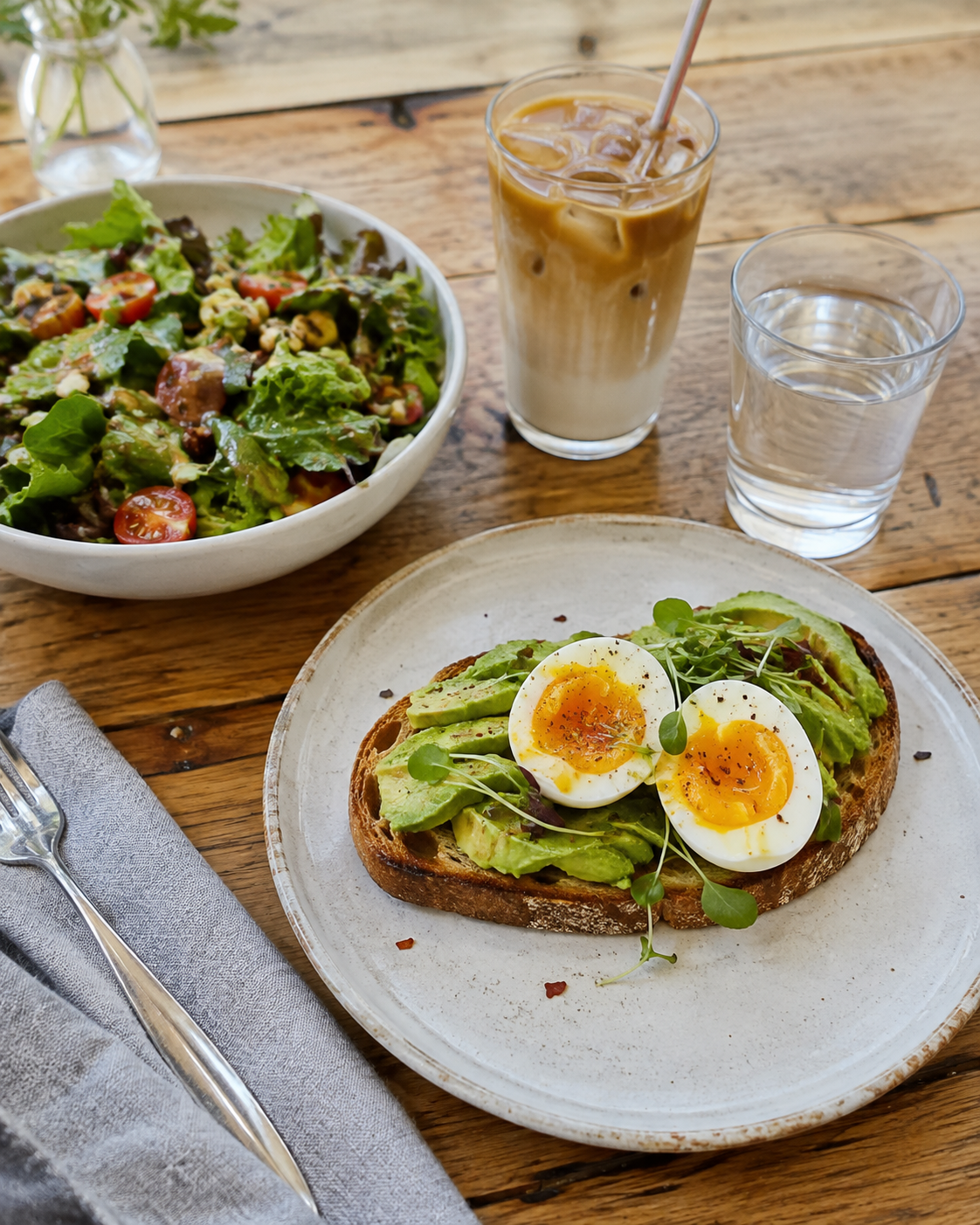
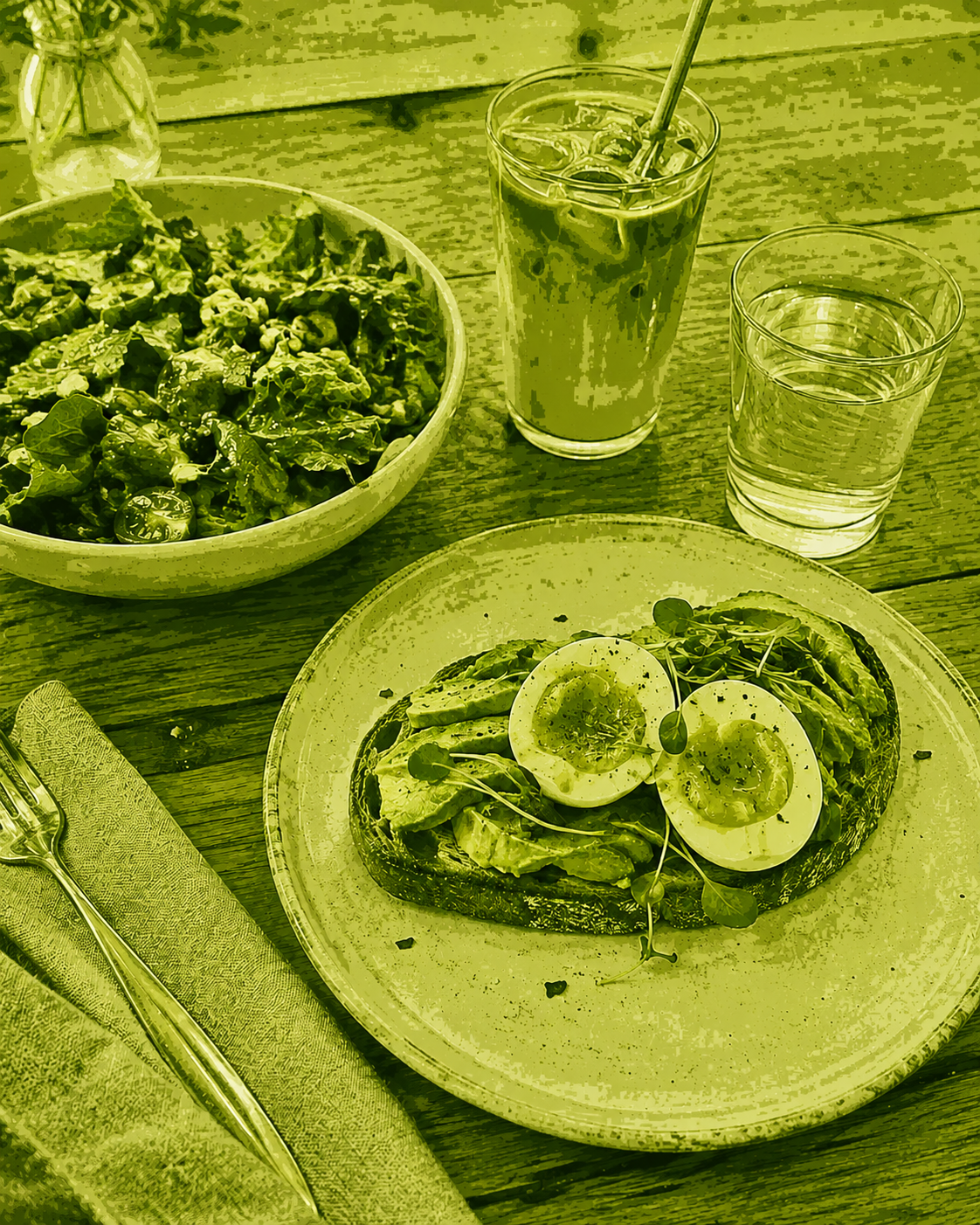
Example result. Your result may vary depending on the original photo and filter strength.
Tips for different types of food
- Meat and protein: These are most affected by green filters. The correction should make them look warm and natural without turning them gray.
- Bread and baked goods: Green filters can make these look stale. A moderate correction should restore warm golden tones.
- Salads and green dishes: Be careful not to overcorrect. The green in these dishes is natural and should be preserved.
- Table and background: White plates and tablecloths should lose their greenish tint. Wood tables should look warm, not green.
What to expect
Unfilter reduces green color dominance across the entire image. For food photos, this means the overall green cast is reduced, making food look more appetizing. Natural green elements may be slightly affected but should still look realistic at moderate Strength values.
The tool does not know which parts of the image are "food" and which are "background." It applies a uniform correction based on green dominance. This is why starting with a low Strength and increasing gradually is important for food photography.